Fluids - How to setup Dirty Water processing (v3.0.0-beta.6 and newer)
There are some additional setups required if you are playing EP version 3.0.0-beta.5 and older (See: Fluids - How to setup Dirty Water processing)
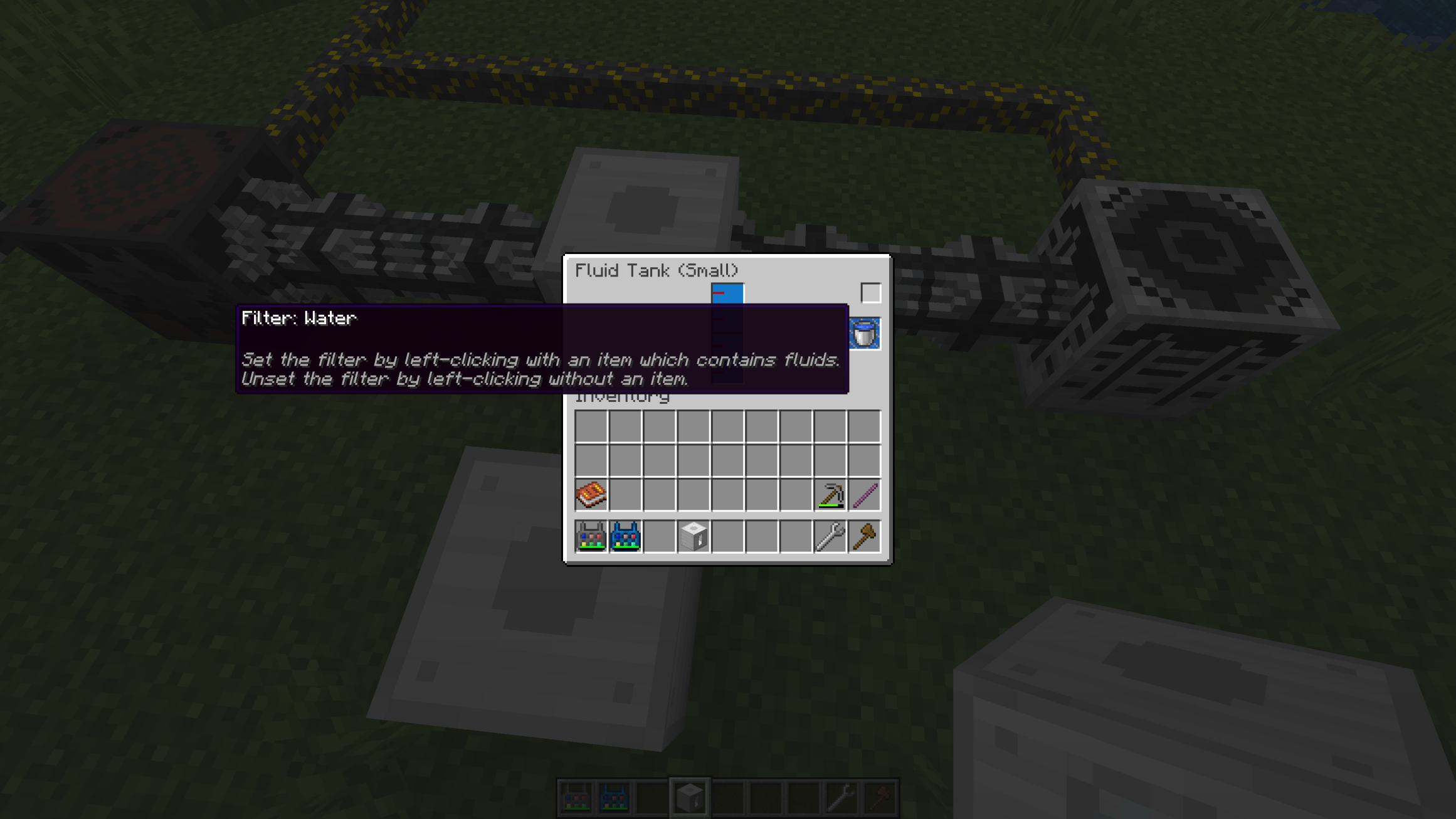
For automatic Dirty Water processing you need to set fluid filters in a Fluid Tank. A Dirty Water Bucket is required to do so. Getting the first Dirty Water Bucket is currently a little tricky. You can do the following steps to get a Dirty Water Bucket and to setup a closed Dirty Water processing loop.
Required tools and material
Tools
- Wrench
Build Materials
-
Drain (White block with 9 "holes", not to be confused with the Fluid Drainer)
- Fluid Filler
- A Water consuming machine which also produces Dirty Water:
- Advanced Pulverizer or
- Advanced Crusher
- Filtration Plant
- Some Cables which
- Any power source (e.g. Solar Panel)
-
Some Fluid Pipes (Iron, Gold)
- 2 Fluid Tanks
- 1 Bucket (empty)
- 2 Water Buckets
- 2 Charcoal Filters
-
Some solid building blocks (e.g. Cobble Stone)
Building instructions (step by step)
1. Preparing the water source
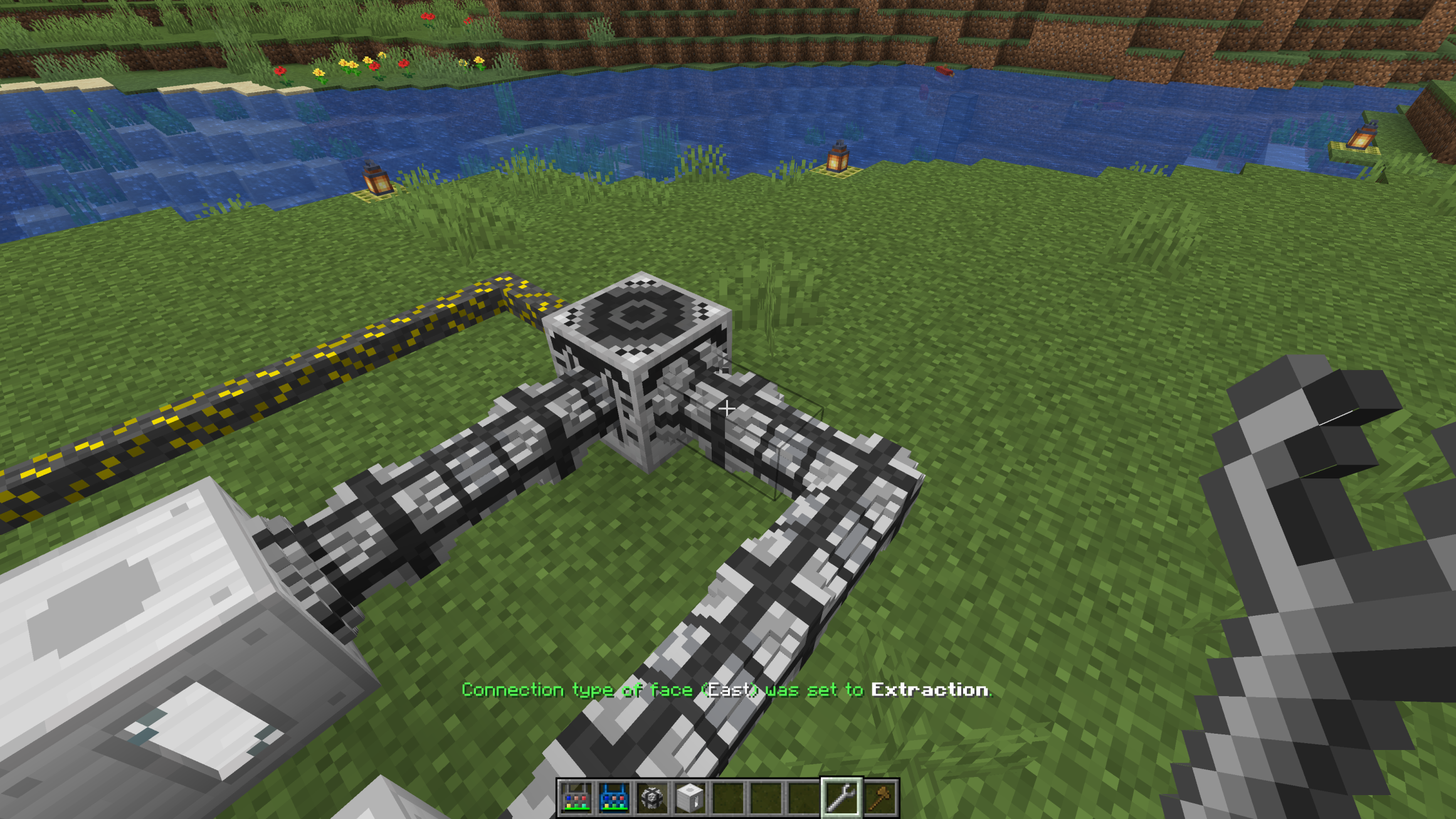
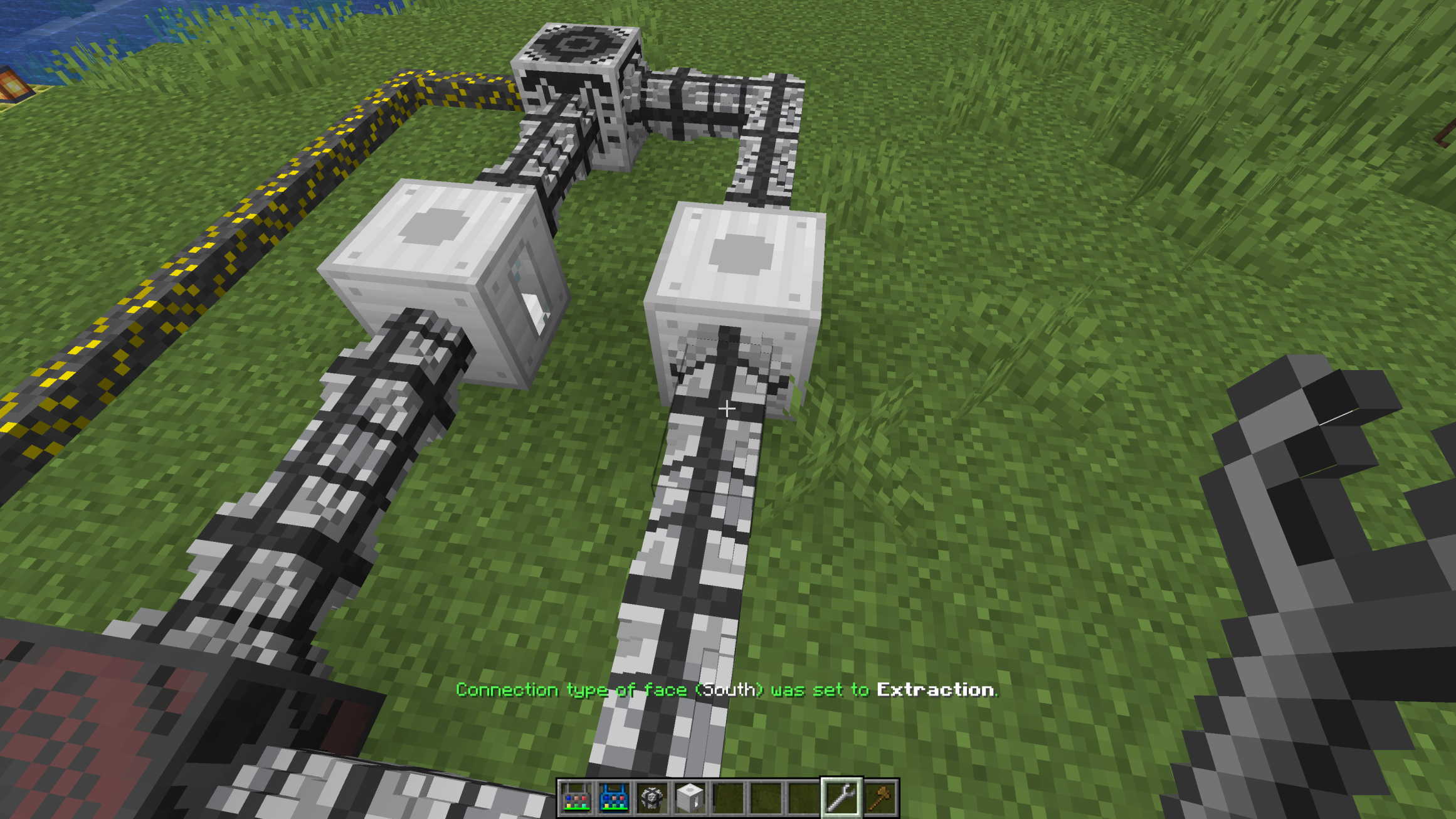
Create an infinite Water source (2x2 water blocks). Dump the first Water Bucket in the top left corner and the second one in the bottom right corner. Place a Drain (White block with 9 "holes", not to be confused with the Fluid Drainer) below any of the four water source blocks (It will immediately start to extract Water). Afterwards you should place Fluid Pipes which are connected to the Drain and configure the first pipe to the Extraction mode. This can be done with a Wrench by selecting a block face with the left mouse button and by changing the pipe mode with the right mouse button.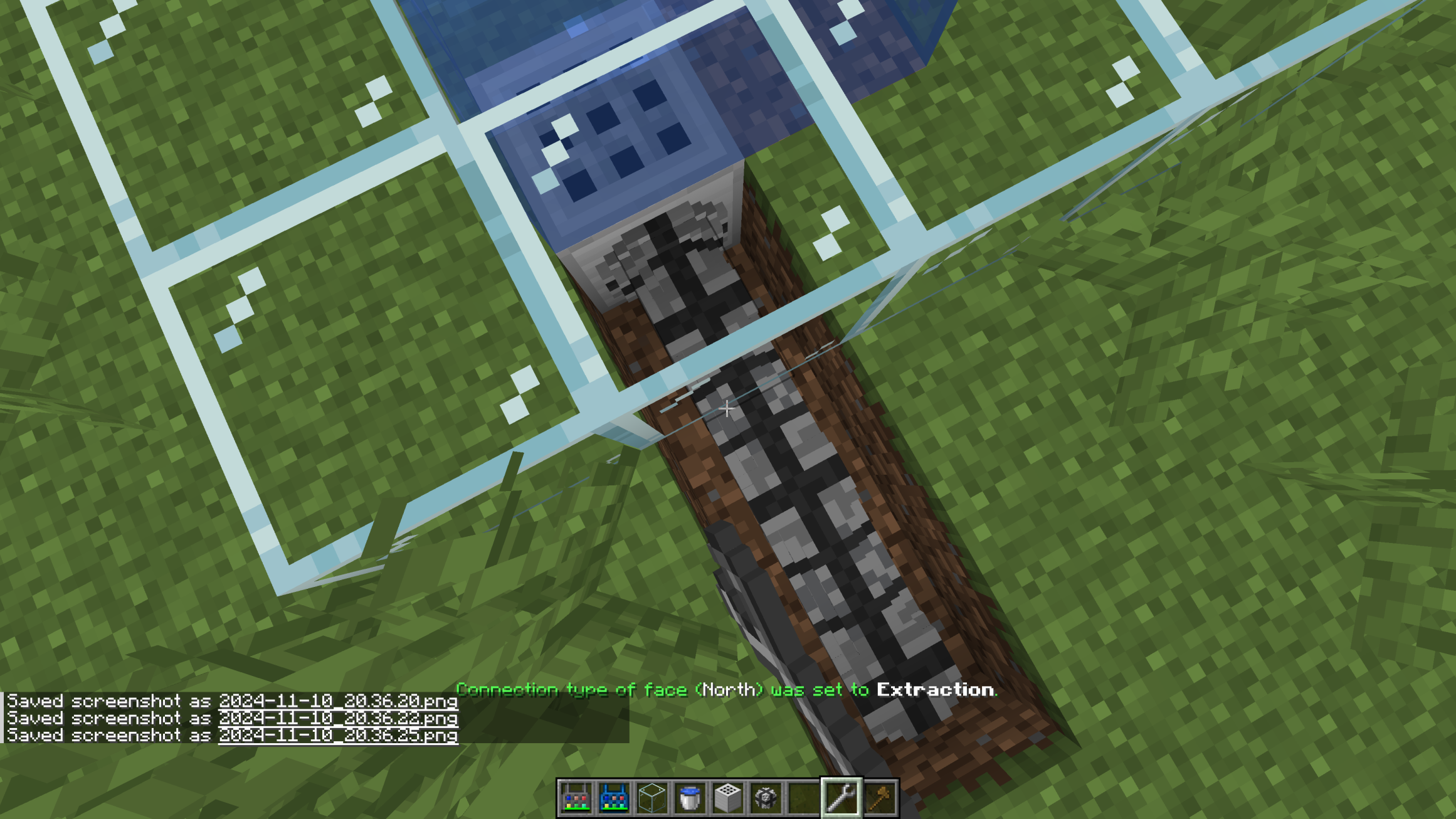
2. Inserting some Water into a machine
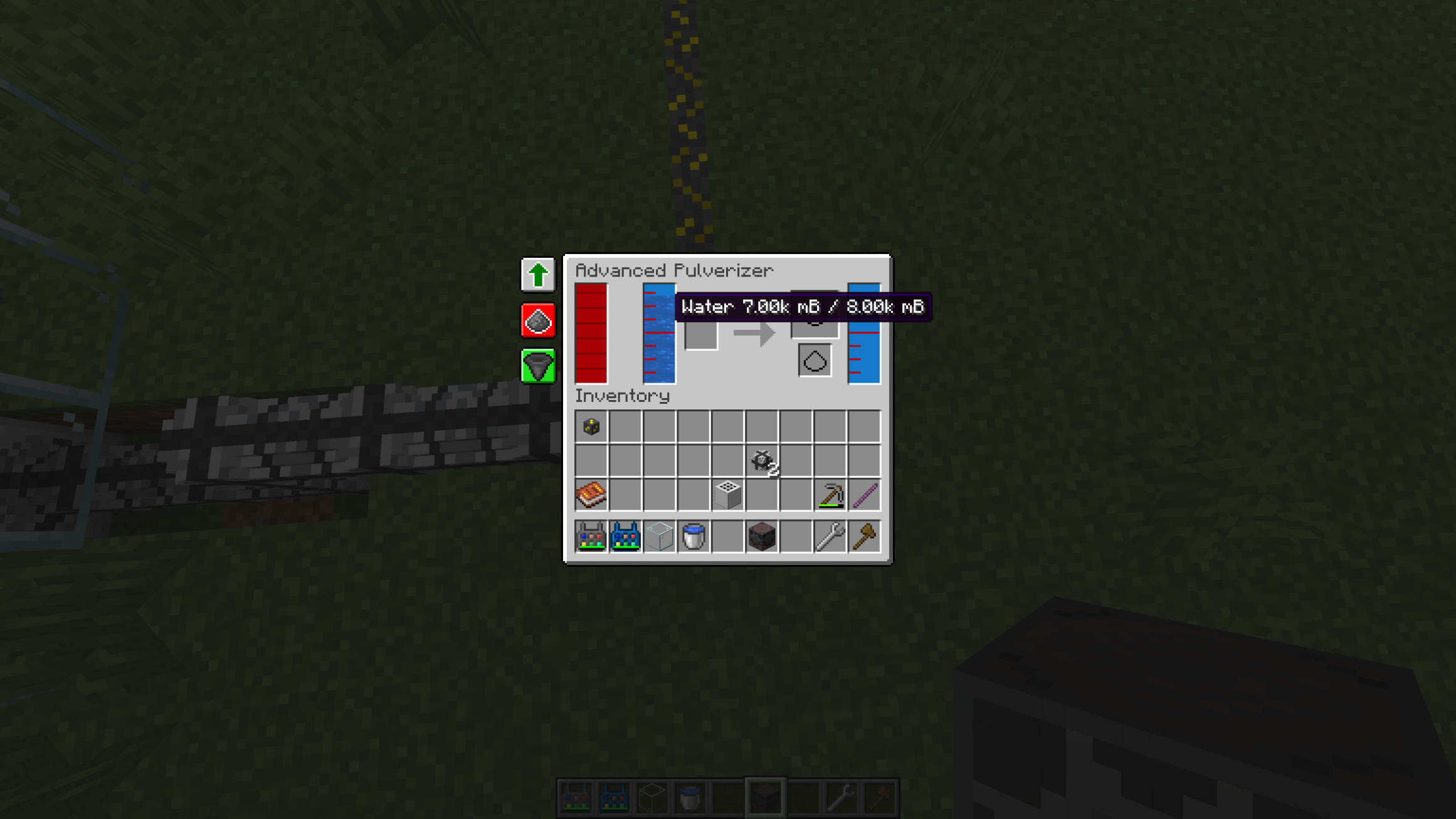
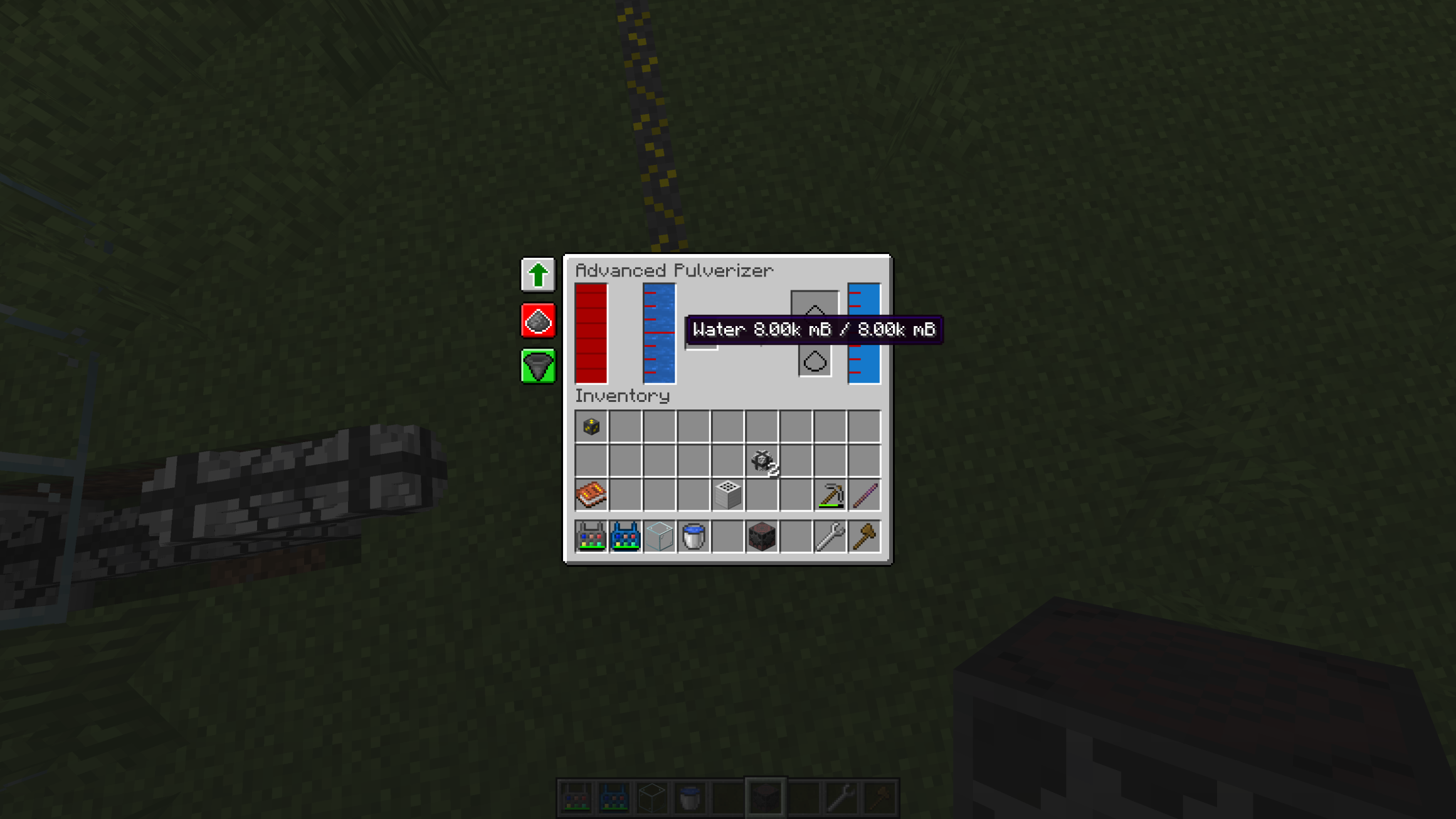
3. Processing items in the machine
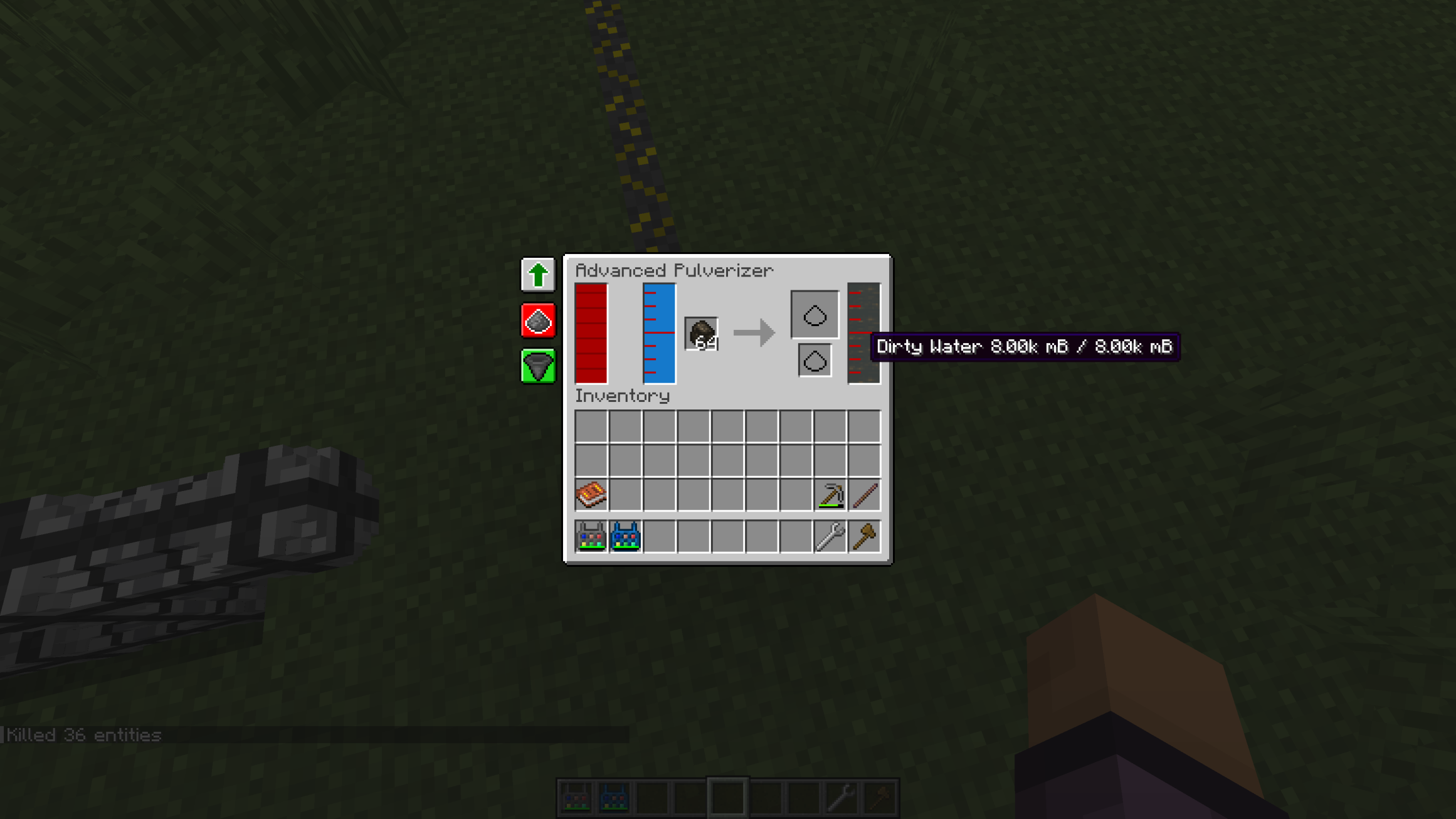
4. Extracting Dirty Water
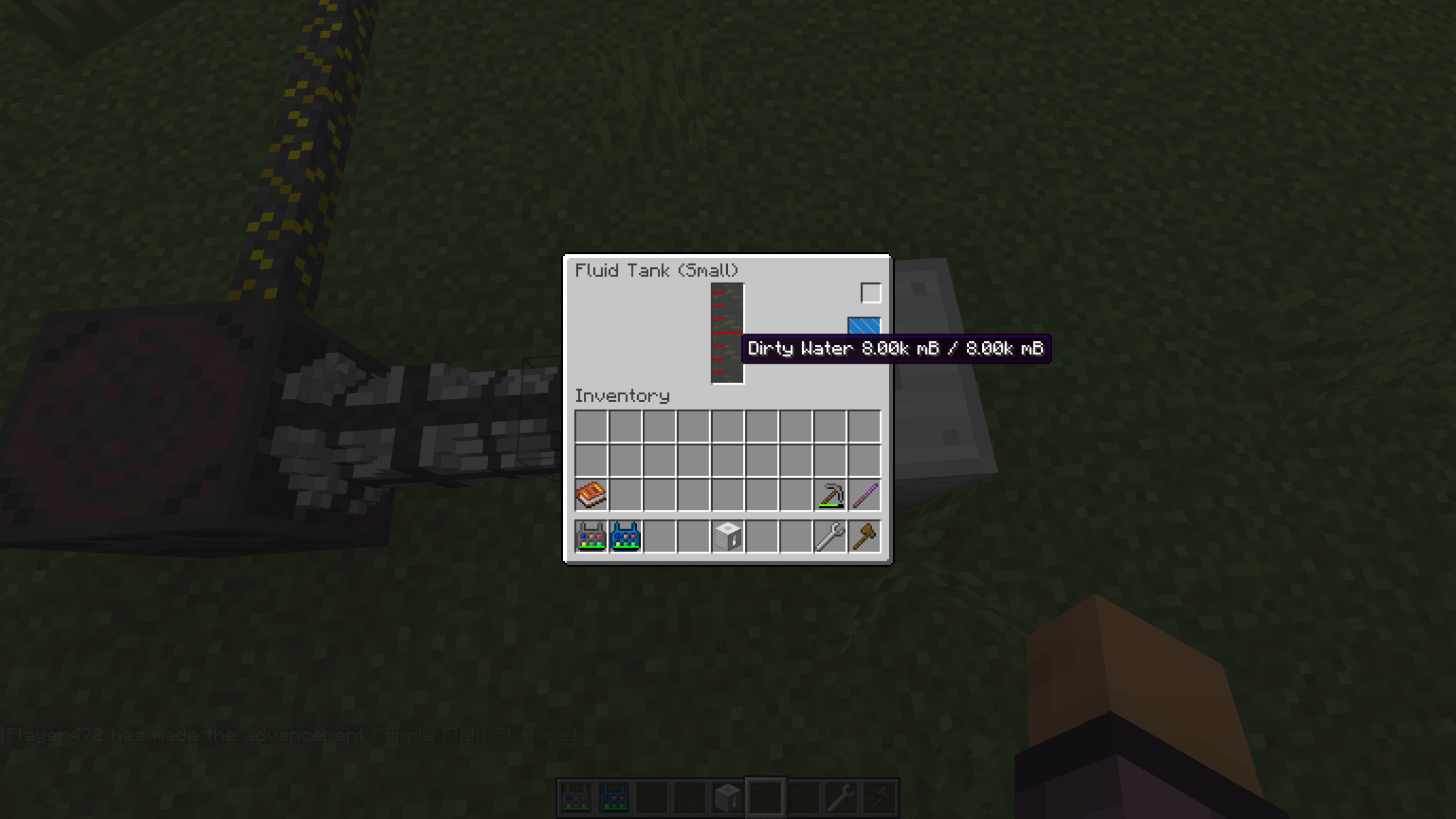
5. Getting a Dirty Water Bucket
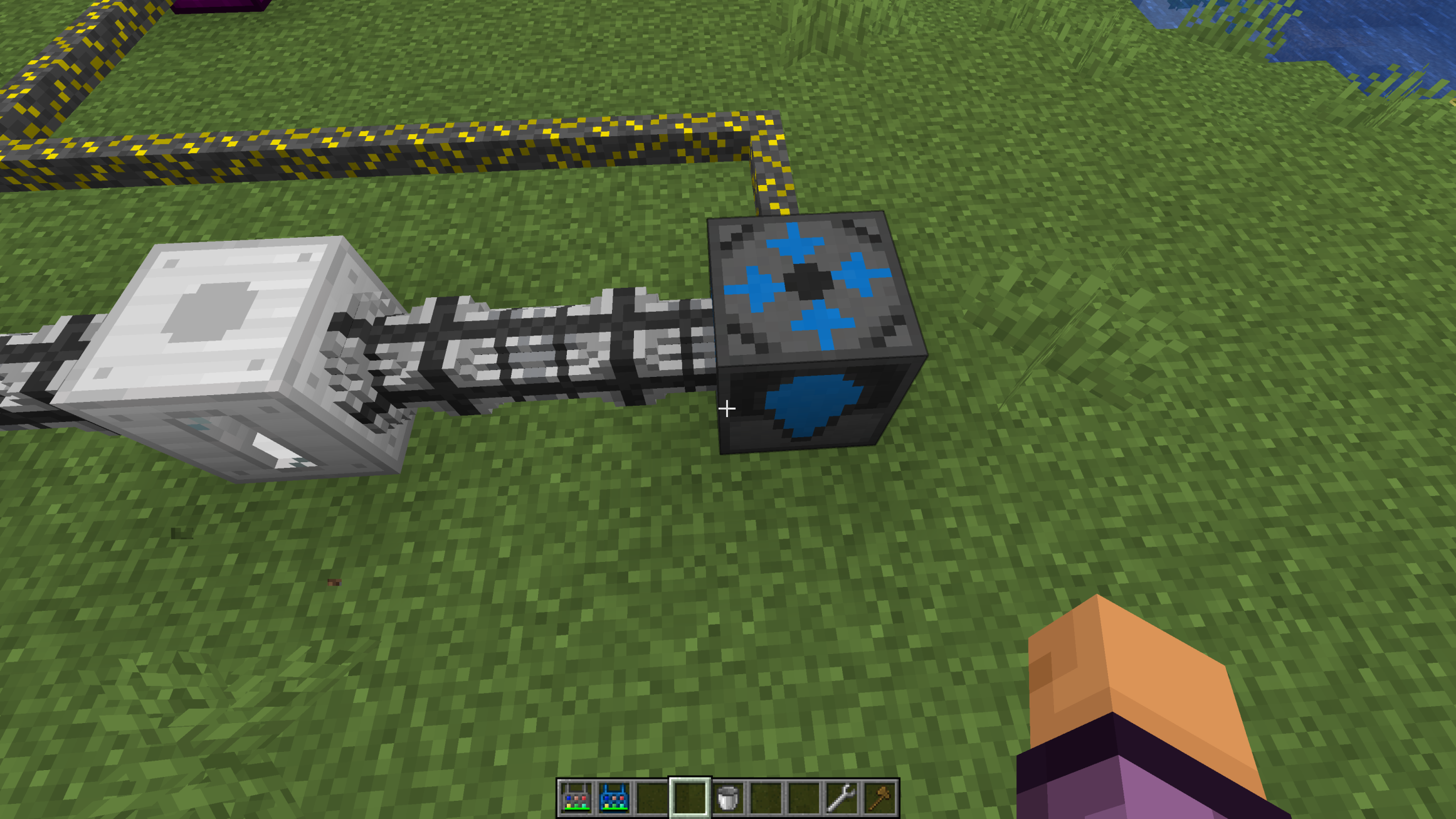
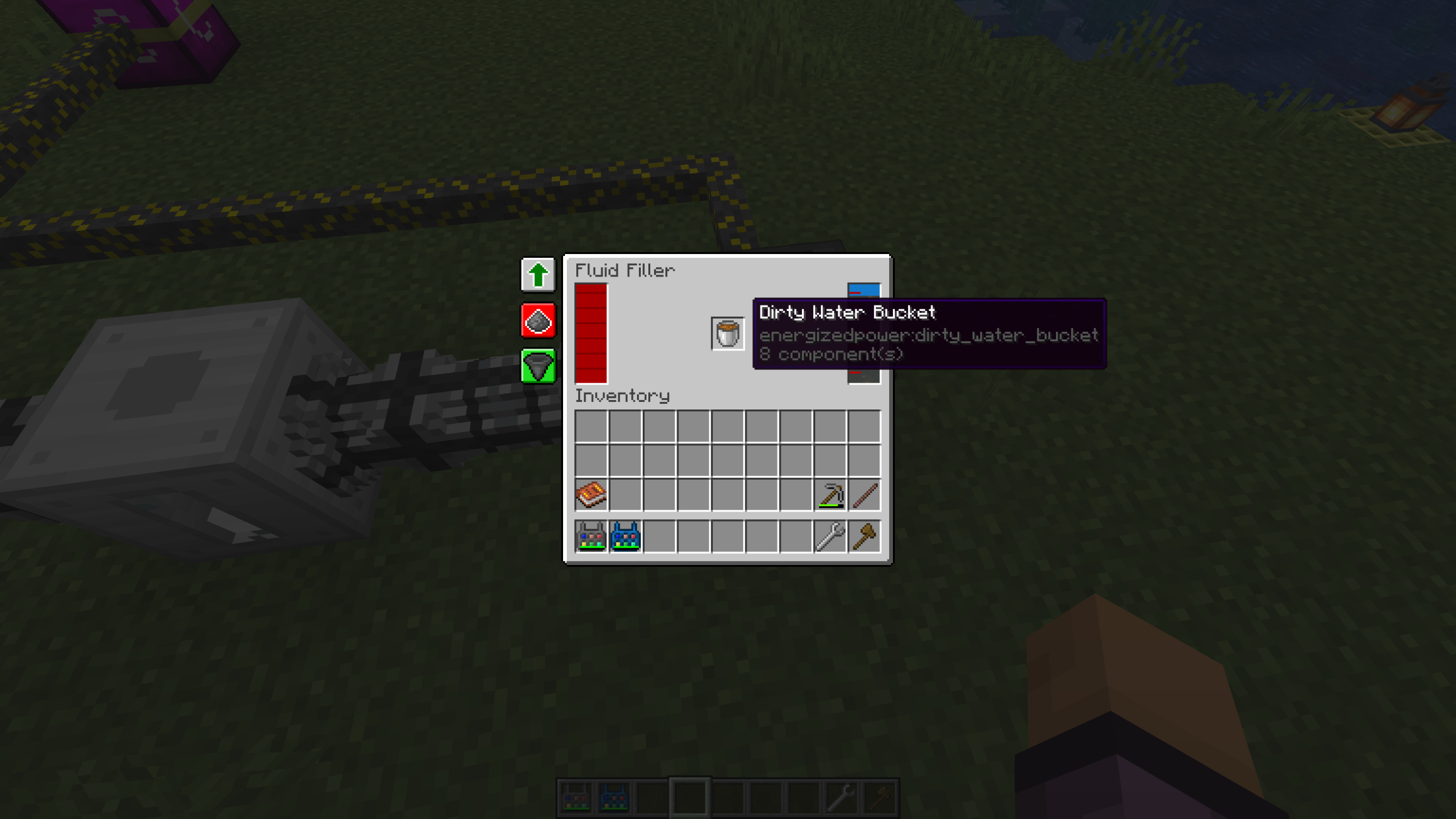
6. Setting the Fluid Filter and processing Dirty Water
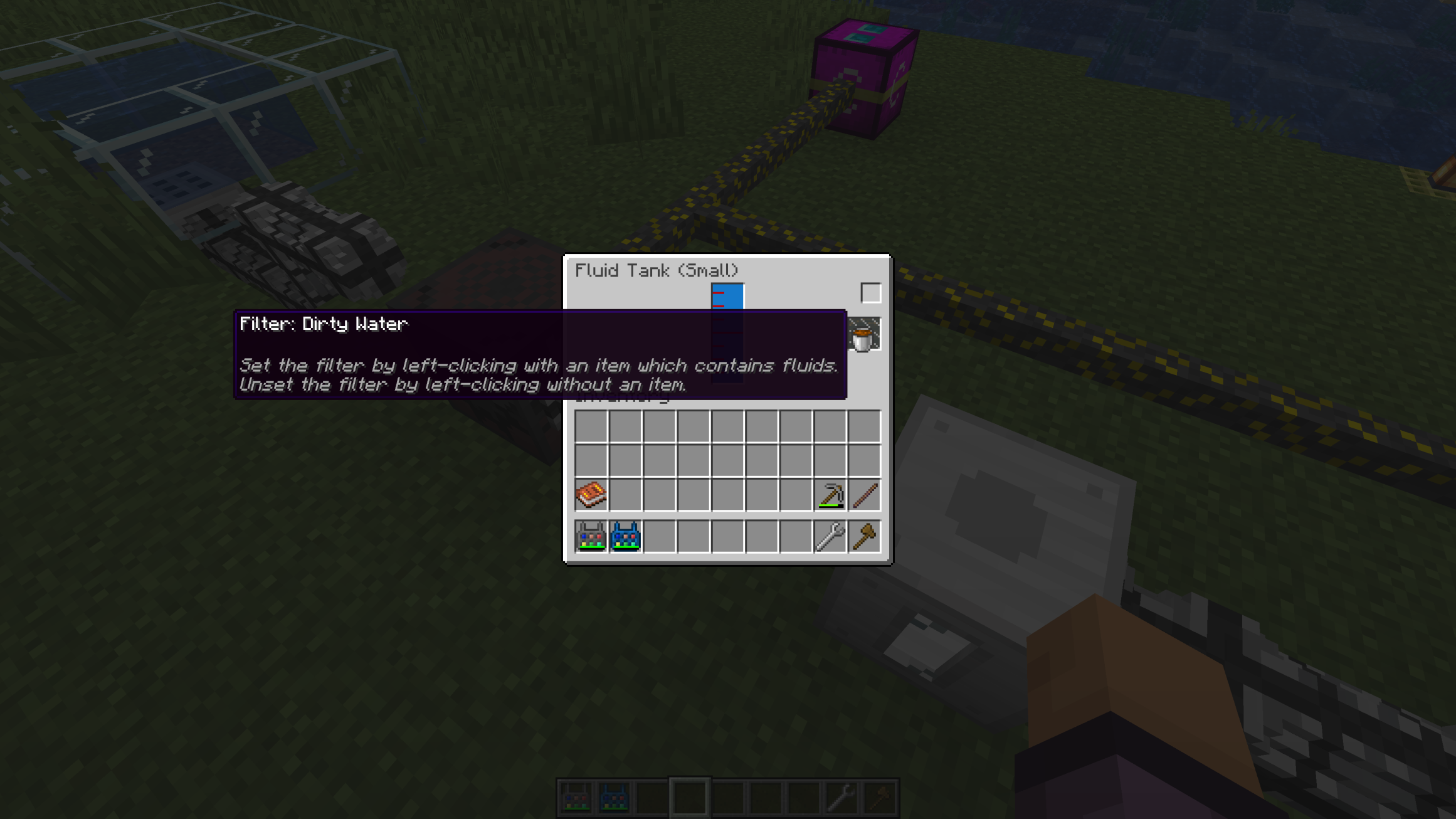
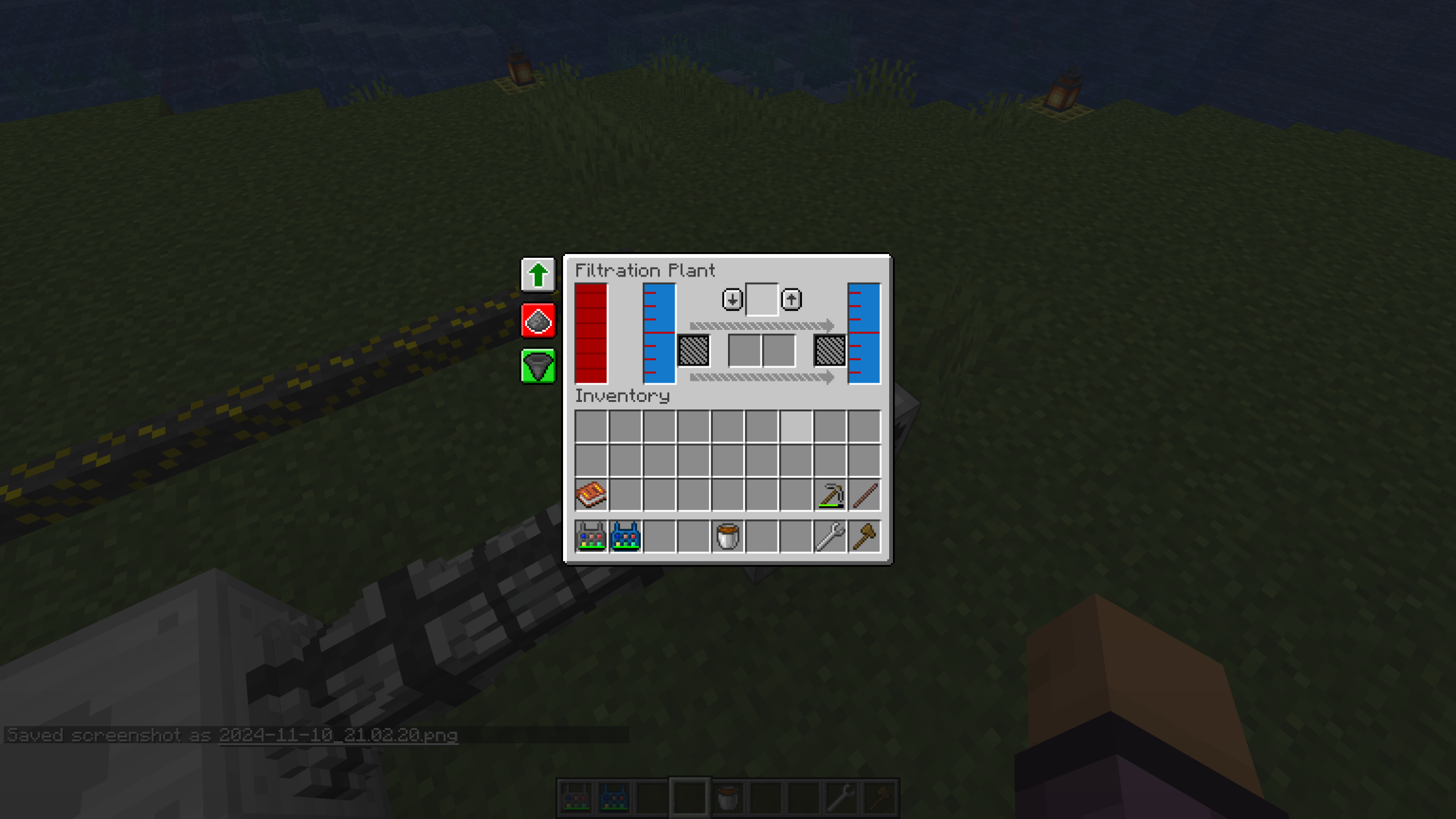
7. Closing the fluid loop
8. Jump-starting the fluid loop